FEATURES
AI Tools
Six practical tools for the drawing work between enquiry and shipment.
Start with an account—no local setup or process overhaul required.
01 / When an enquiry lands
Find the drawing behind the quote
Before pricing a new part, search past drawings, quotes and machining records from any detail you have. CADASU brings the relevant files and prices together for review.
- Search drawings by number, part code, name or material
- Pull up past quotes and enquiries for related drawings
- Search by image to find geometrically similar drawings
- Not just drawings, every kind of document at once
- Batch search: drop in dozens of drawings and compare at once
Supported formatsDWG · DXF · PDF · PNG · JPG · TIFF · XLSX · DOCX · TXT
FN625 has a tighter flatness callout than the old part, worth pricing up.
02 / When inspection paperwork is due
Balloon drawings and inspection sheets
CADASU extracts dimensions, tolerances, GD&T and surface-finish requirements, assigns balloon numbers, and exports the result in your inspection format for final review.
Supported formatsDWG · DXF · PDF · PNG · JPG · TIFF → output XLSX · PDF
03 / When the customer revises
Compare two drawing revisions
Upload the old and new versions. CADASU lists changes to dimensions, tolerances, notes and geometry, then marks each change on the drawing.
Supported formatsDWG · DXF · PDF · PNG · JPG · TIFF
04 / When a customer drawing arrives
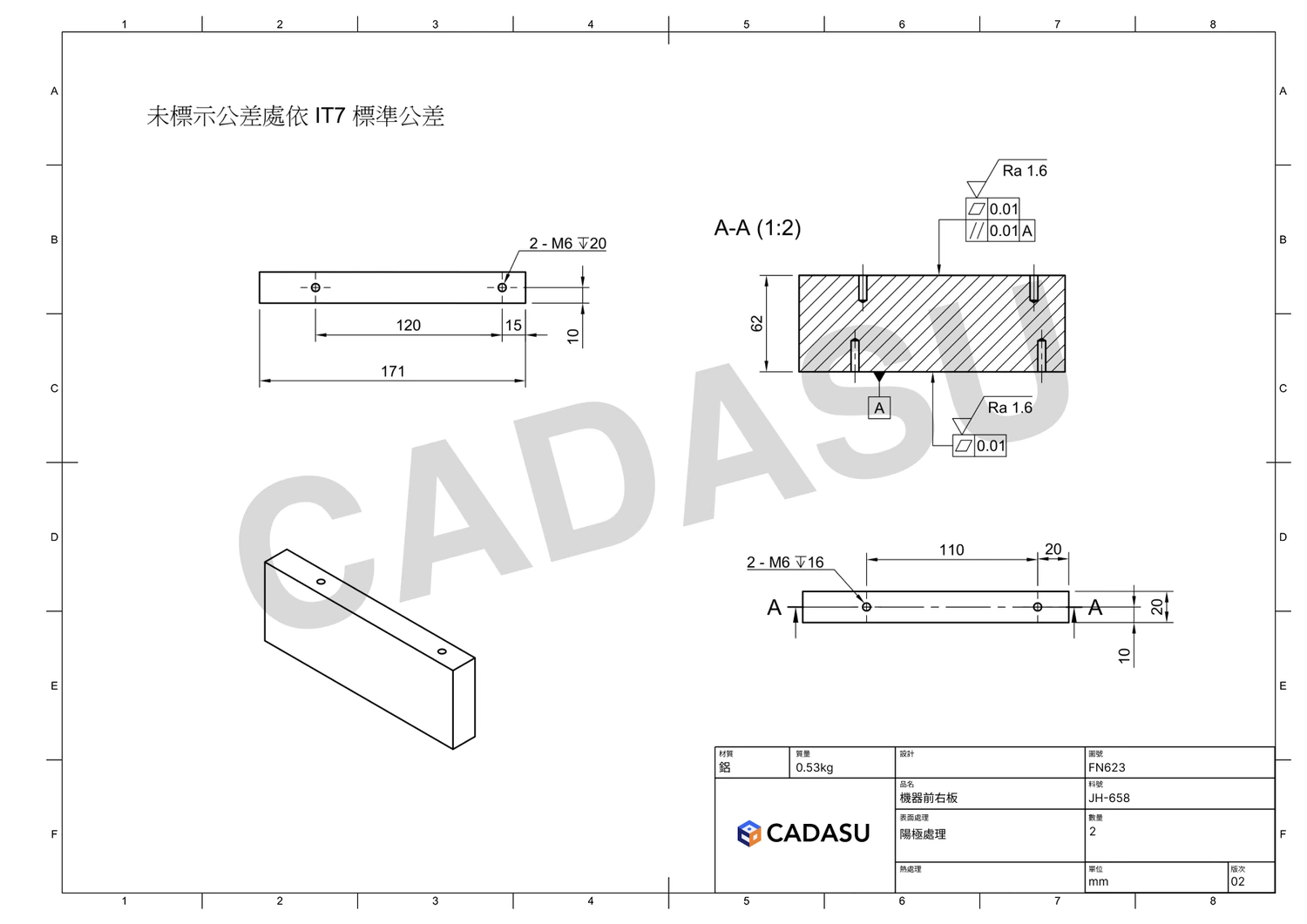
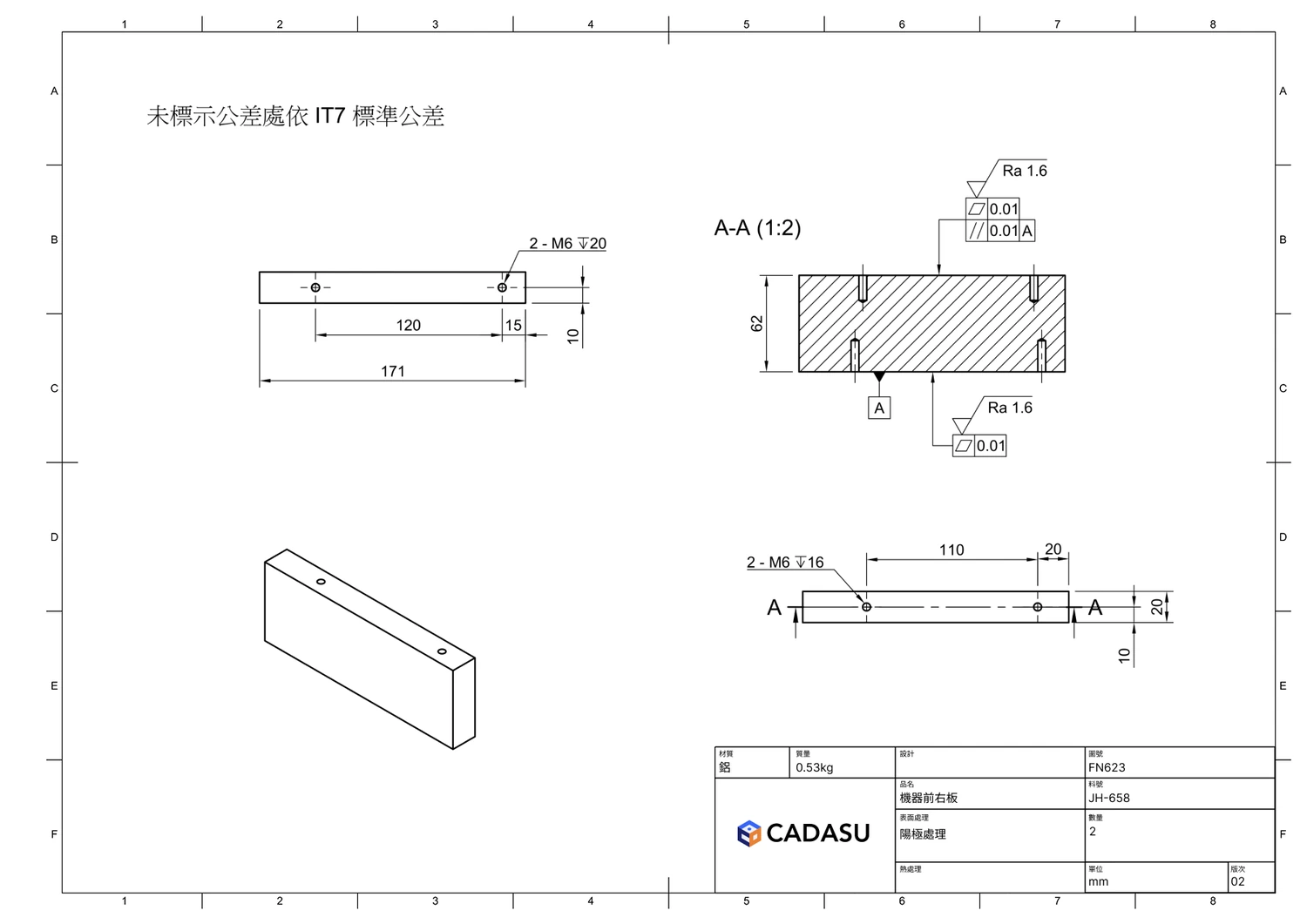
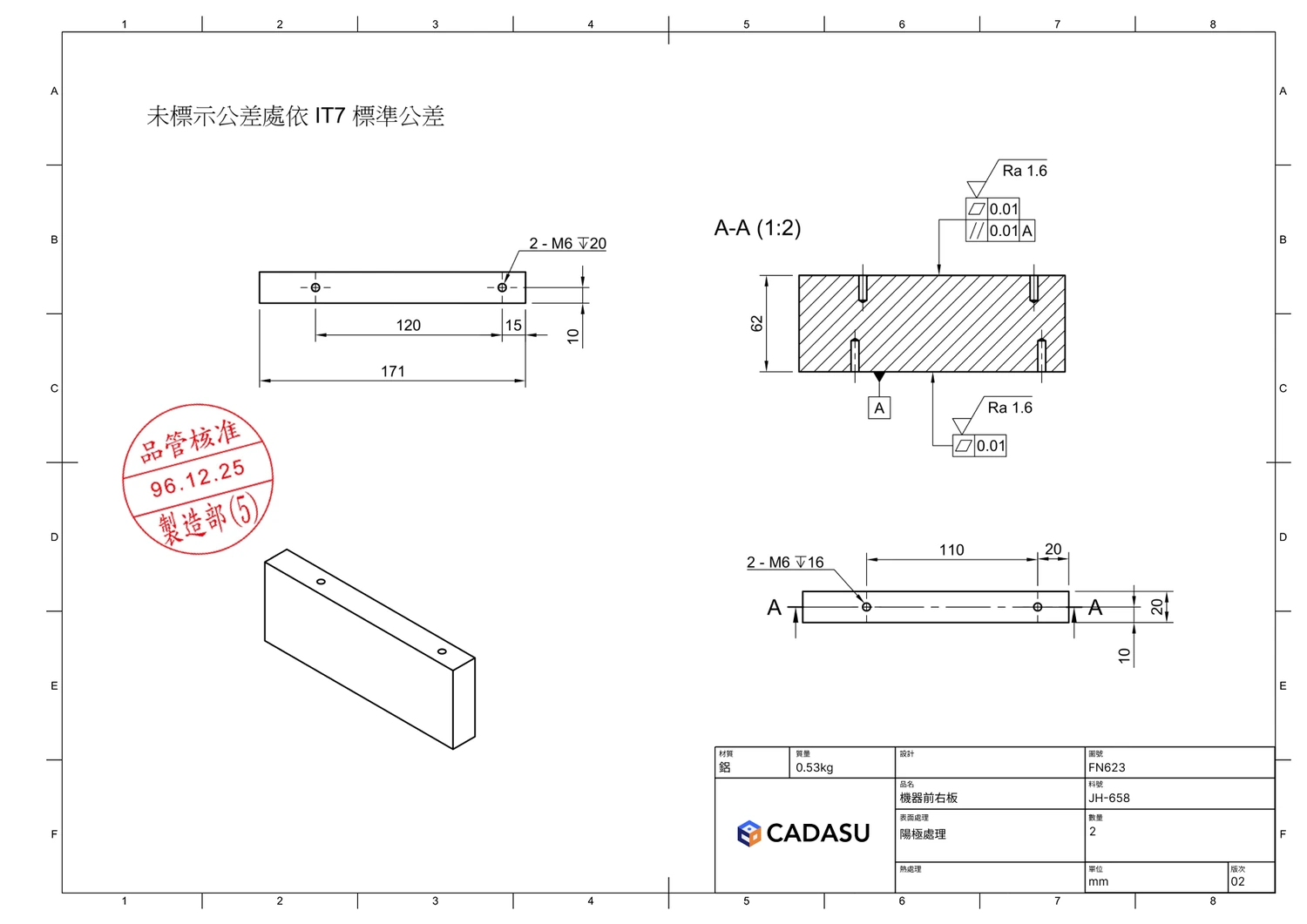
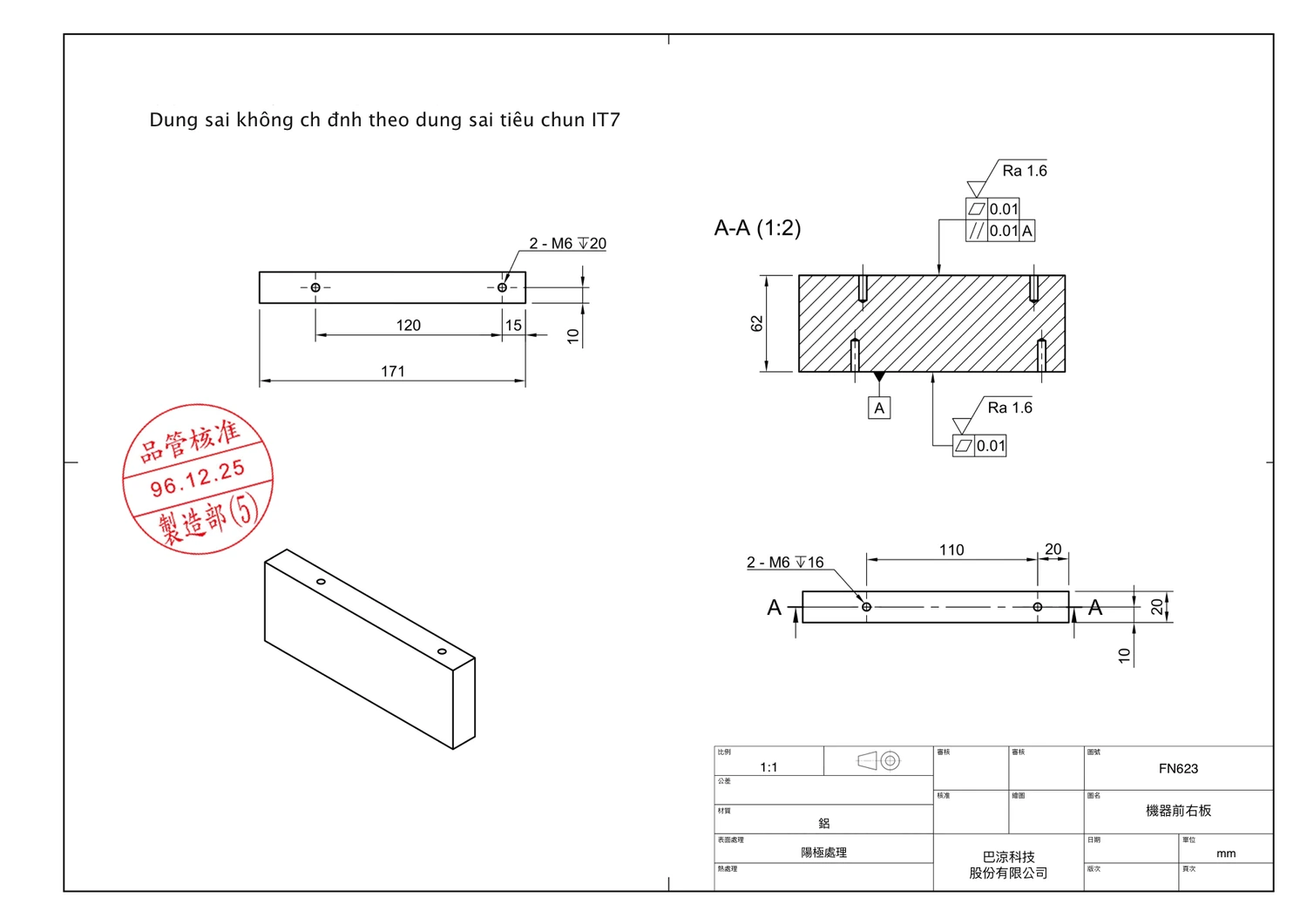
Turn customer drawings into shop drawings
Replace the title block, translate notes, convert imperial and metric dimensions, add the required stamp, and export a drawing ready for review.
Supported formatsDWG · DXF · PDF · PNG · JPG · TIFF → output PDF · PNG
05 / When an order comes in
Enter document data into existing systems
CADASU reads drawings, quotes and orders, then enters the required fields into your ERP, CRM or other business system.
- No integration required
- Works with any vendor's system
- Web apps and desktop apps alike
Supported formatsPDF · XLSX · DOCX · CSV · EML · PNG · JPG
Sure, Opening the ERP nowand creating the record.
06 / When someone on the floor asks
Search drawings, SOPs and internal standards
Ask a question in plain language. CADASU searches your approved documents and returns the answer with the source file and page.
Supported formatsPDF · DOCX · XLSX · PPTX · TXT · DWG · DXF · PNG · JPG
6061-T6 has one extra rule: after etching, desmut in 30% nitric acid for 1–3 minutes to remove the silicon precipitates. No more than 10 minutes may pass between pre-treatment and the anodising tank, or the surface re-oxidises.
Anodising itself follows MIL-A-8625 Type II; where the drawing gives no thickness,use 10 μm. Bath at 20±2 °C, current density 1.5 A/dm², then seal in DI water above 95 °C for at least 15 minutes.
3.2 Pre-treatment for anodising
3.2.1parts must be fully deburred, All sharp edges shall be chamfered 0.2–0.3 mm with no burrs remaining.
3.2.2No cutting oil, fingerprints or oxide may remain. After degreasing, rinse with DI water until outflow conductivity is below 20 μS/cm.
3.2.3For 6061-T6, desmut in 30% nitric acid for 1–3 minutes after etching to remove silicon precipitates.
3.2.4Rack contact points shall be on non-cosmetic faces with enough pressure to keep contact; keep them consistent across a batch.
3.2.5No more than 10 minutes between pre-treatment and the anodising tank, to avoid re-oxidation.
3.3 Anodising parameters
3.3.1Sulphuric acid 180±20 g/L, bath held at 20±2 °C; too warm and the coating turns porous.
3.3.2Current density 1.5 A/dm²; allow roughly 3 minutes per 1 μm of thickness.
3.3.3Type II coating thickness 5–25 μm. Where the drawing does not specify, use 10 μm.
3.3.4Seal in DI water above 95 °C for at least 15 minutes; unsealed parts shall not ship.
Test CADASU with your own files.
Bring a drawing or document. We will run it with you and review the result together.